
Game Is Hard Full Levels Solution Walkthrough
Get instant solution & answer for all Game Is Hard levels. Your companion for Game Is Hard Trivia Game with cheat and tips.
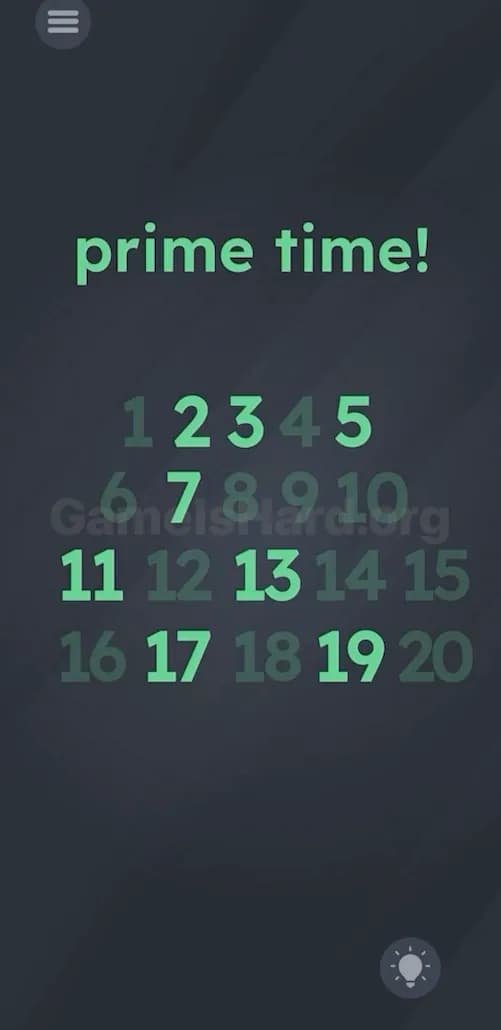
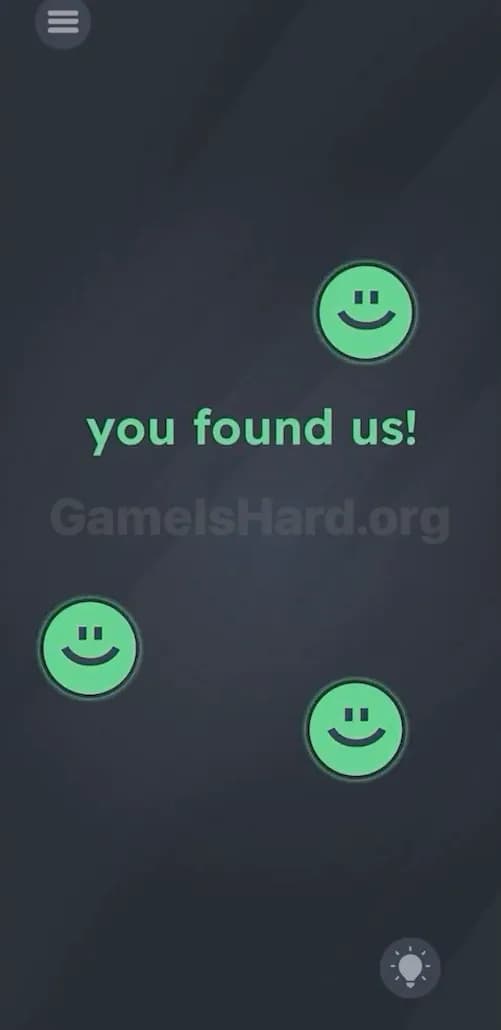
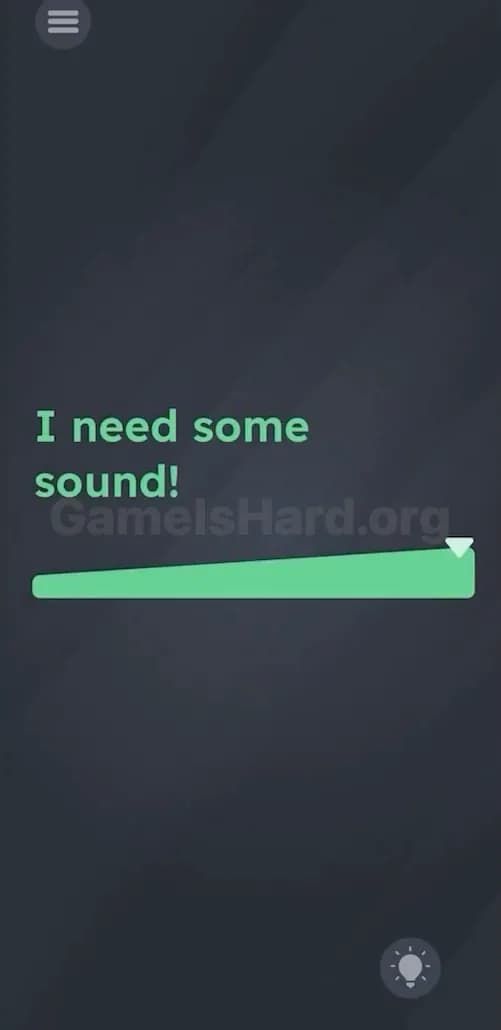
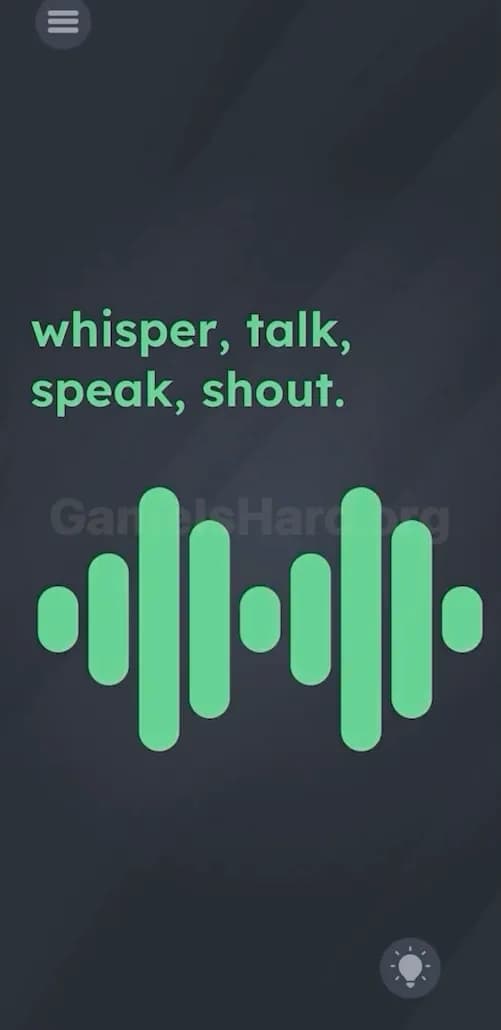
Game Is Hard Level Solution Walkthrough & Answers
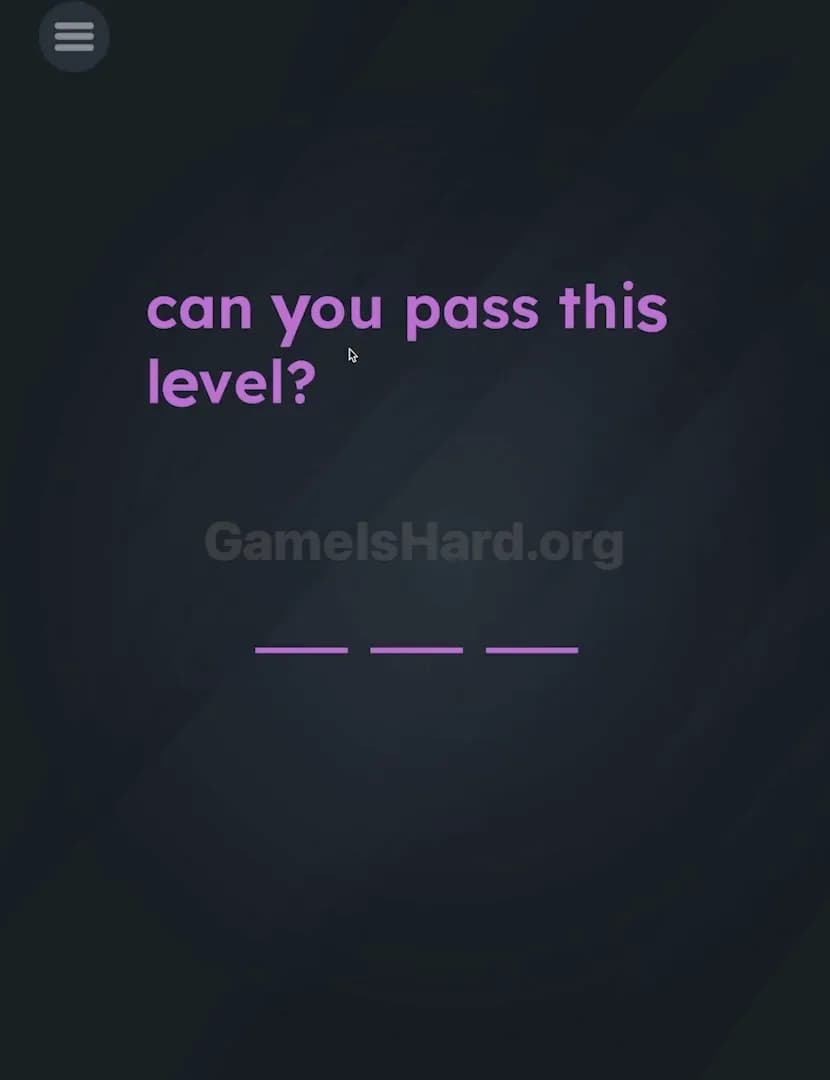
Game Is Hard Level 2
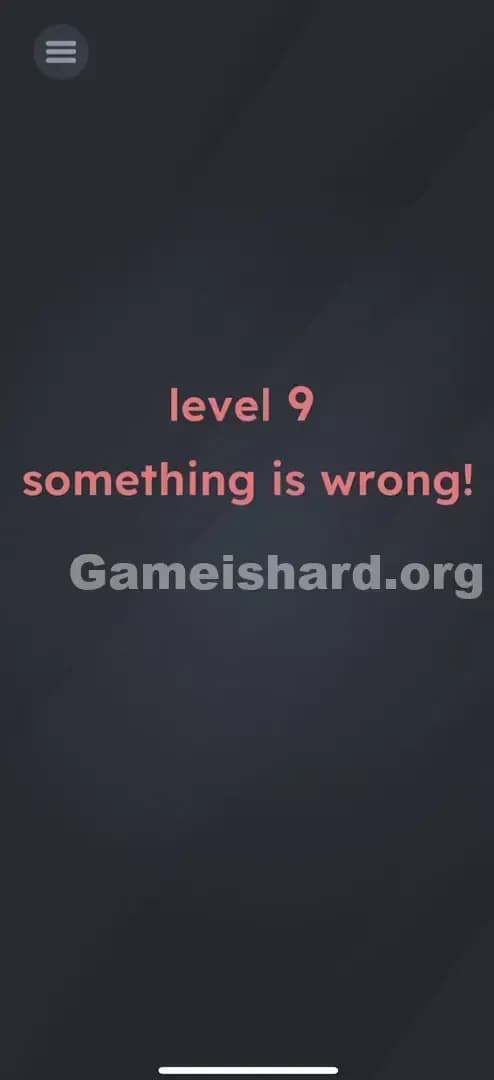
Game Is Hard Level 6

Game Is Hard Level 21
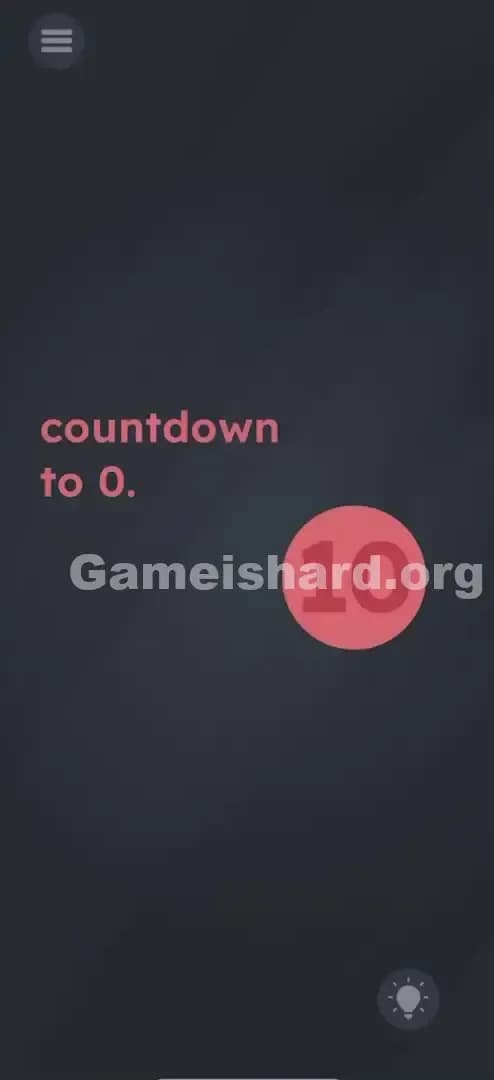
Game Is Hard Level 32

Game Is Hard Level 35

Game Is Hard Level 36
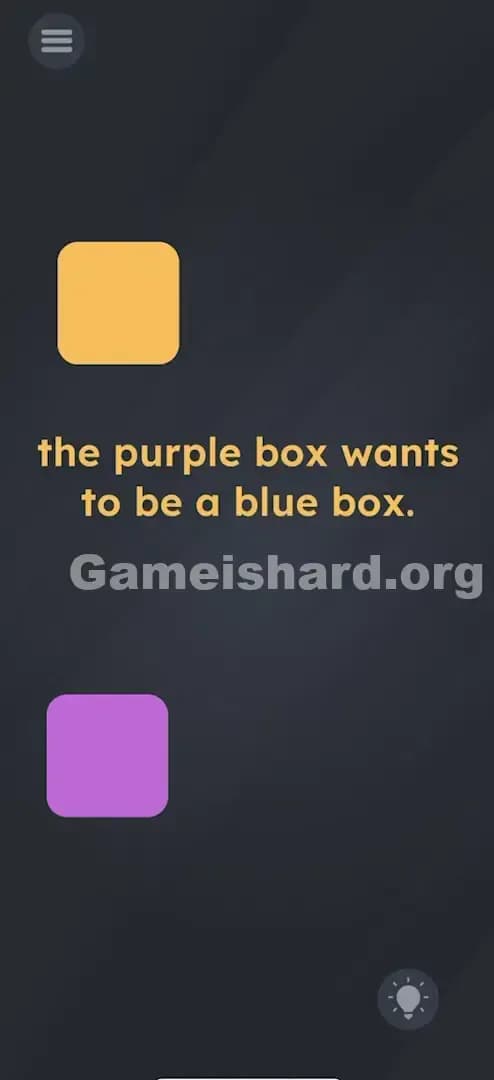
Game Is Hard Level 42

Game Is Hard Level 44

Game Is Hard Level 50
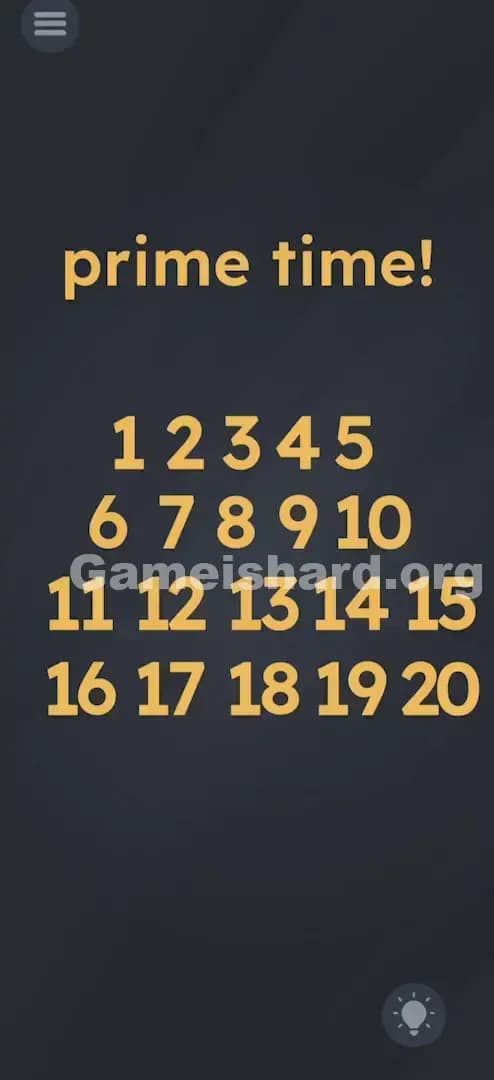
Game Is Hard Level 58
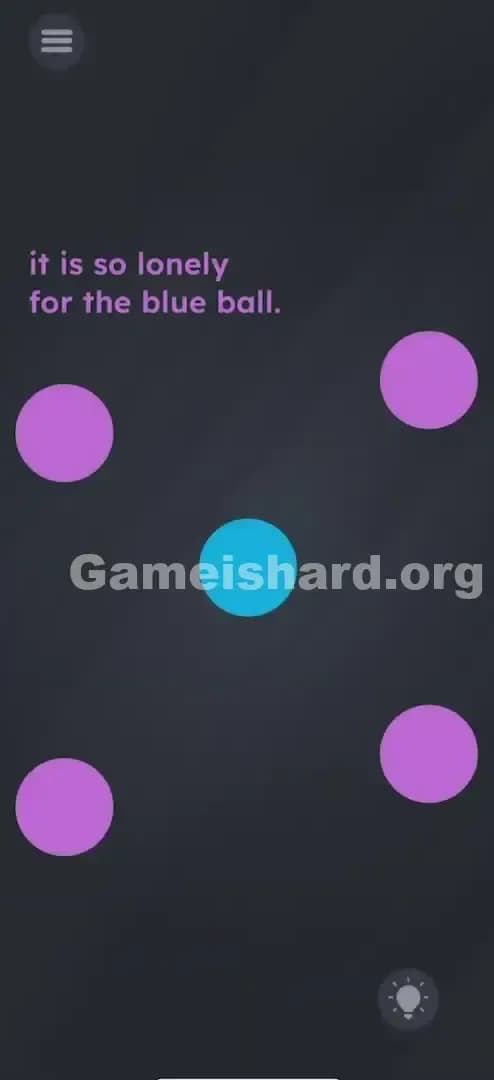
Game Is Hard Level 61
Game Is Hard Level 68
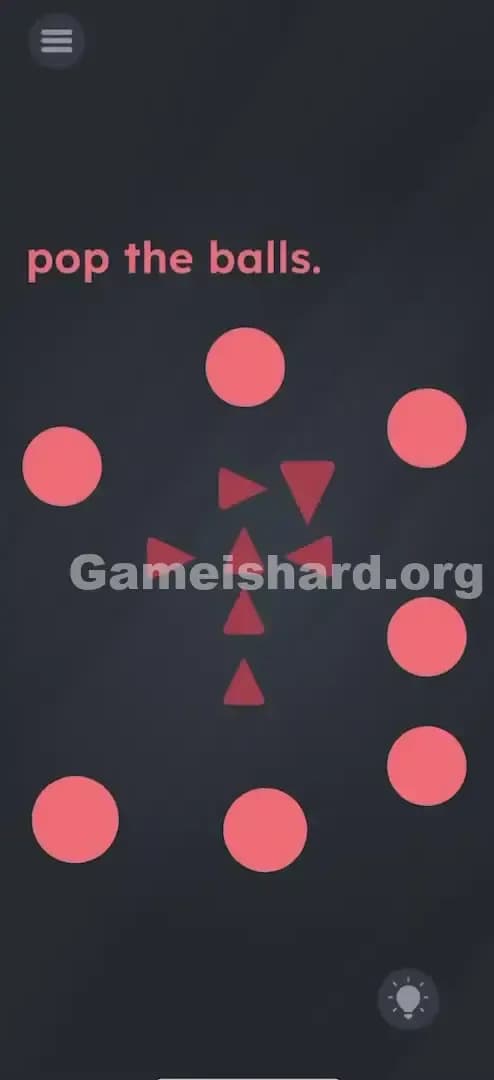
Game Is Hard Level 69
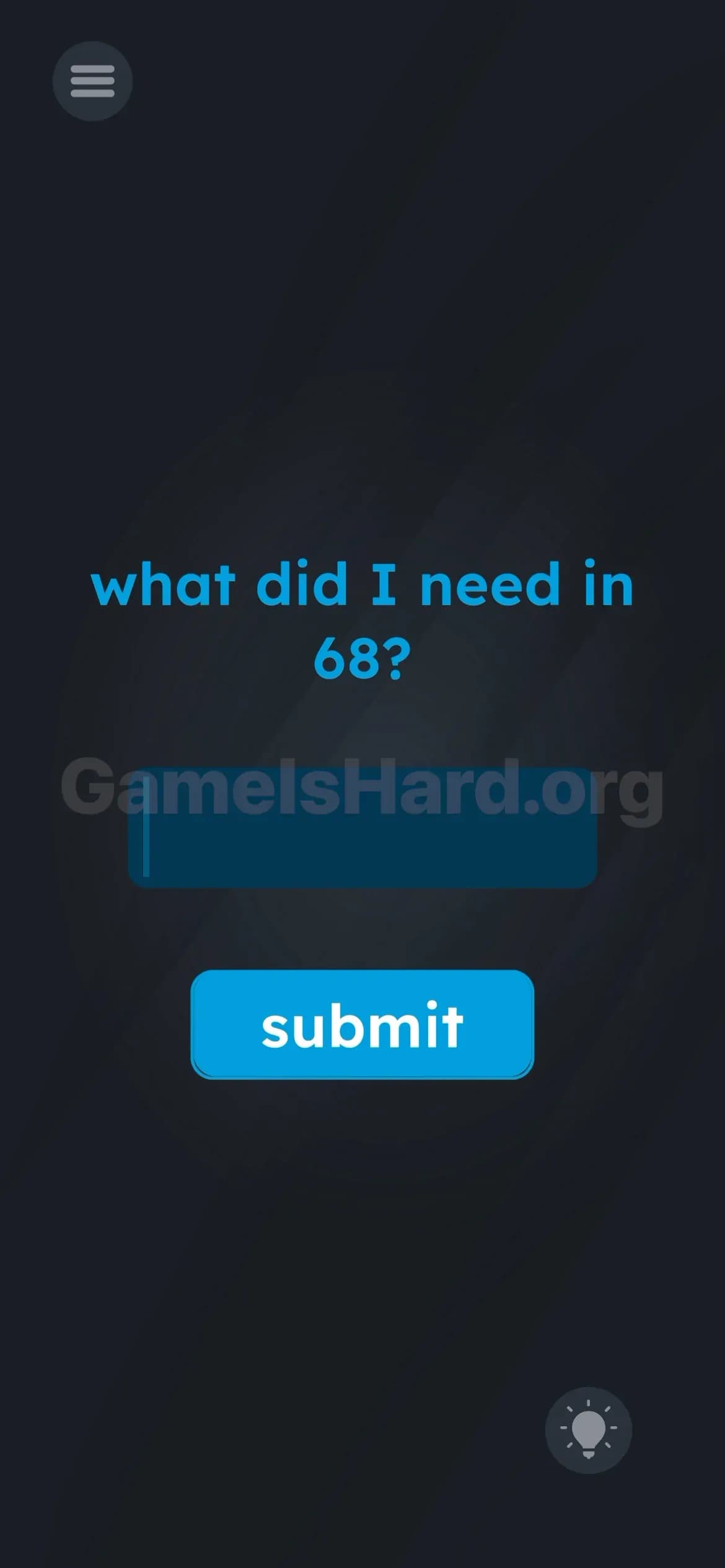
Game Is Hard Level 71
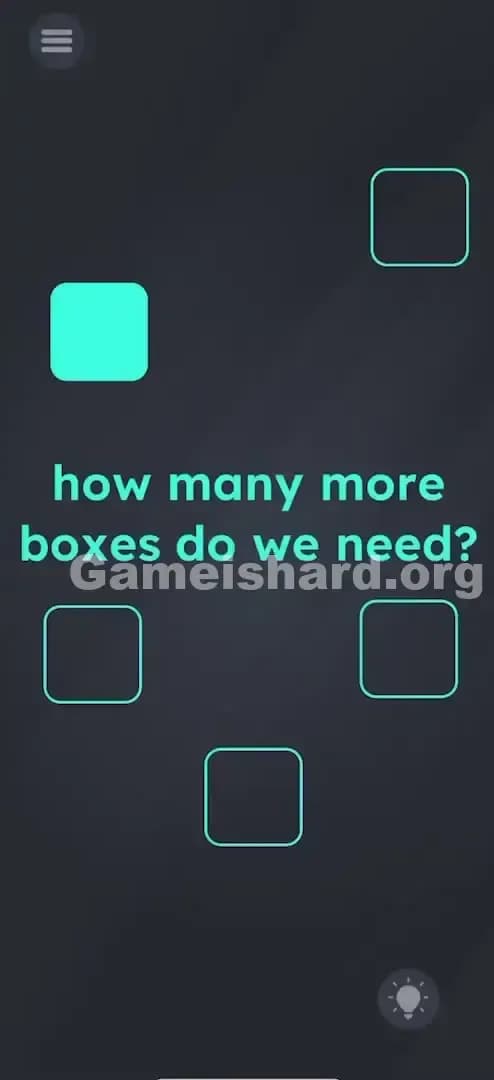
Game Is Hard Level 72
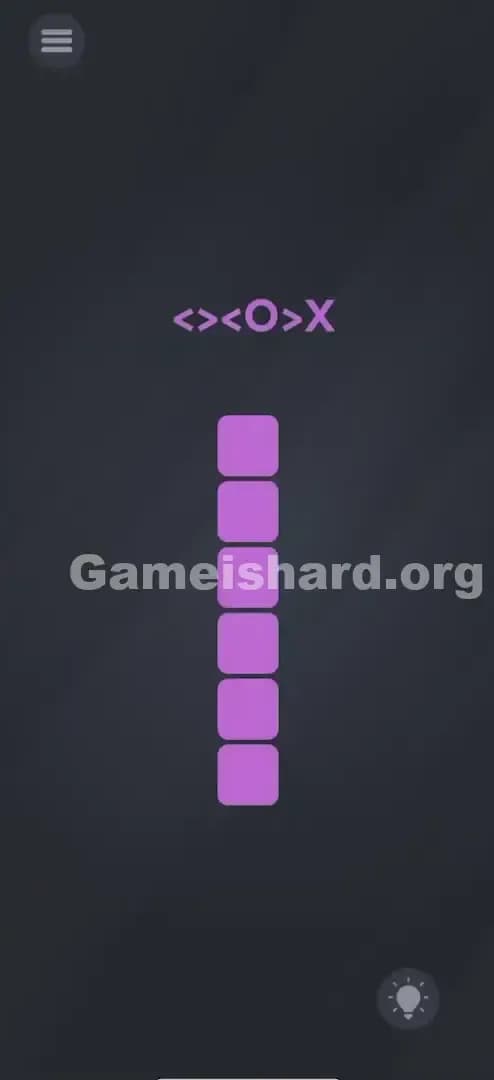
Game Is Hard Level 74
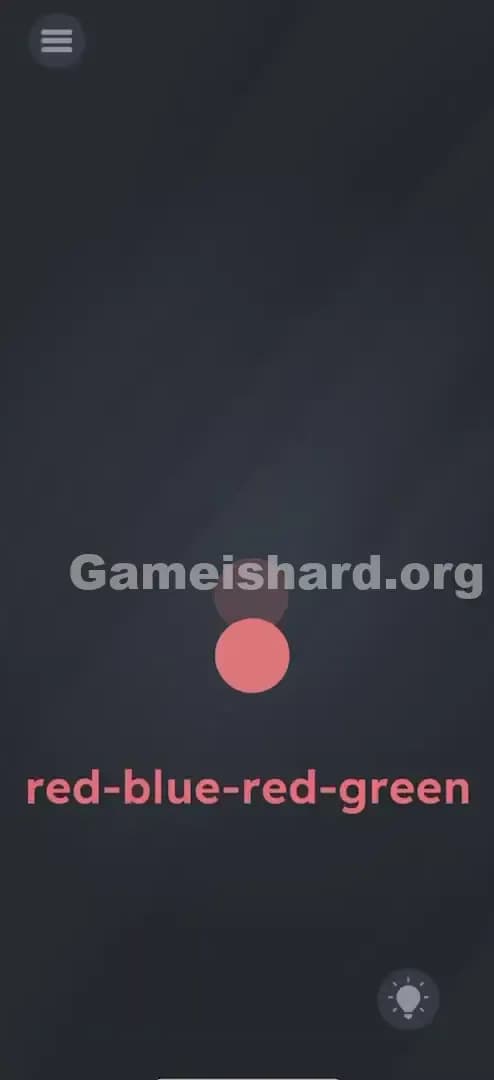
Game Is Hard Level 75

Game Is Hard Level 80
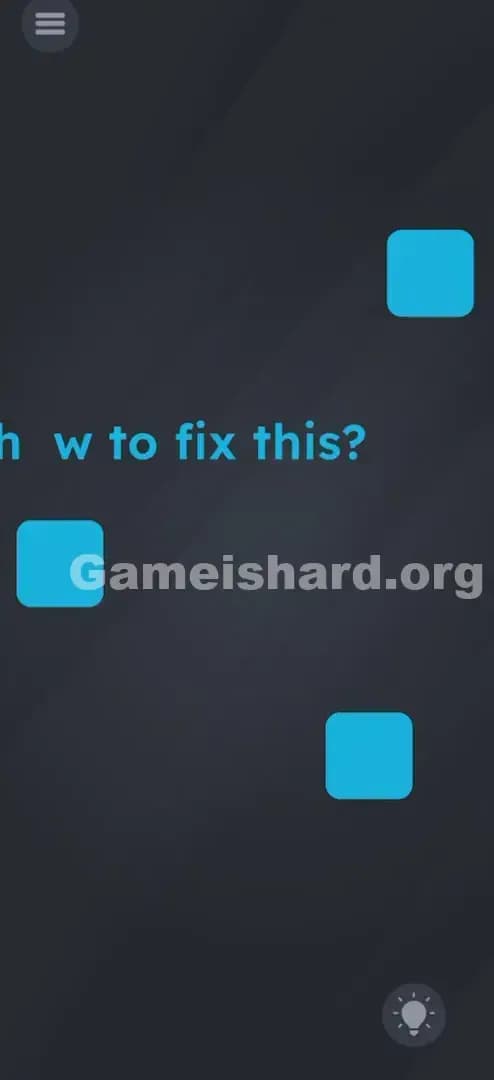
Game Is Hard Level 83
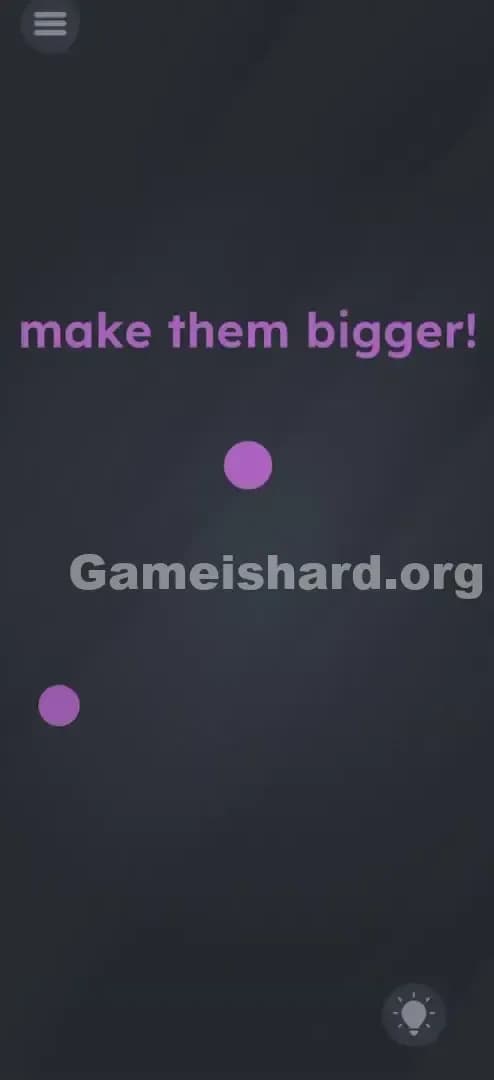
Game Is Hard Level 84
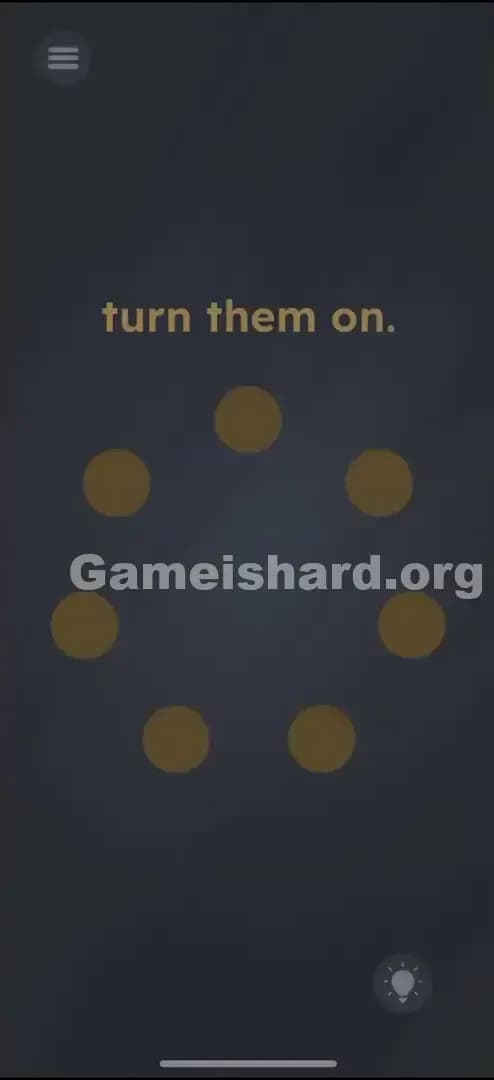
Game Is Hard Level 85
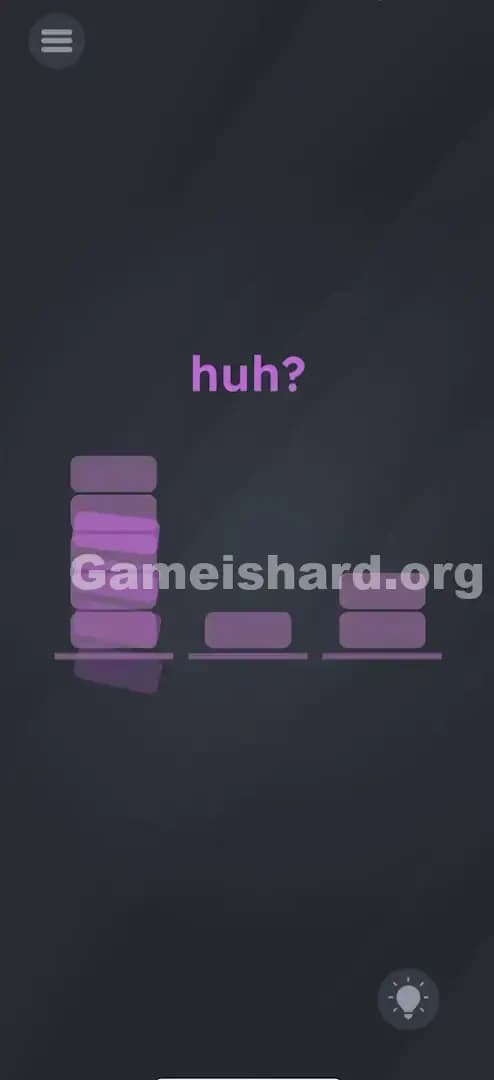
Game Is Hard Level 87
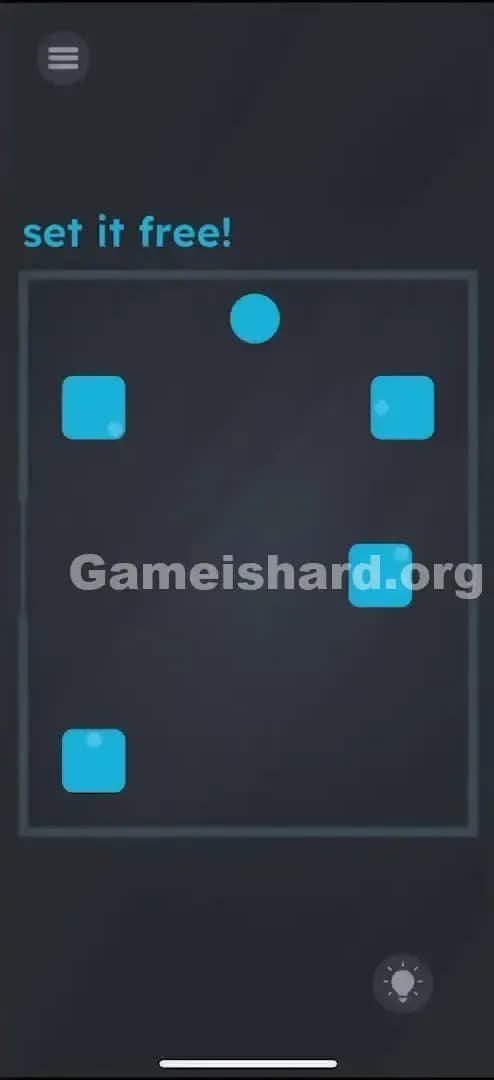
Game Is Hard Level 88
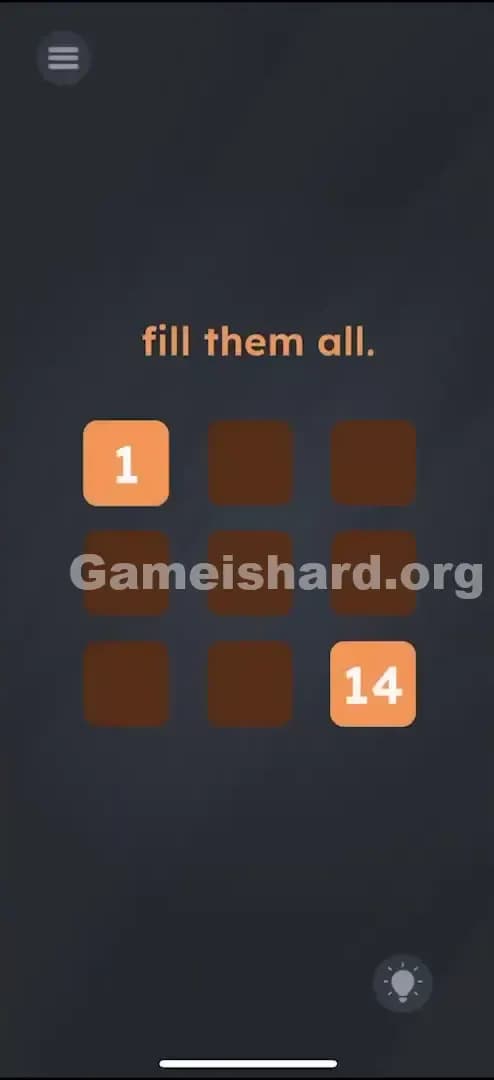
Game Is Hard Level 91

Game Is Hard Level 94
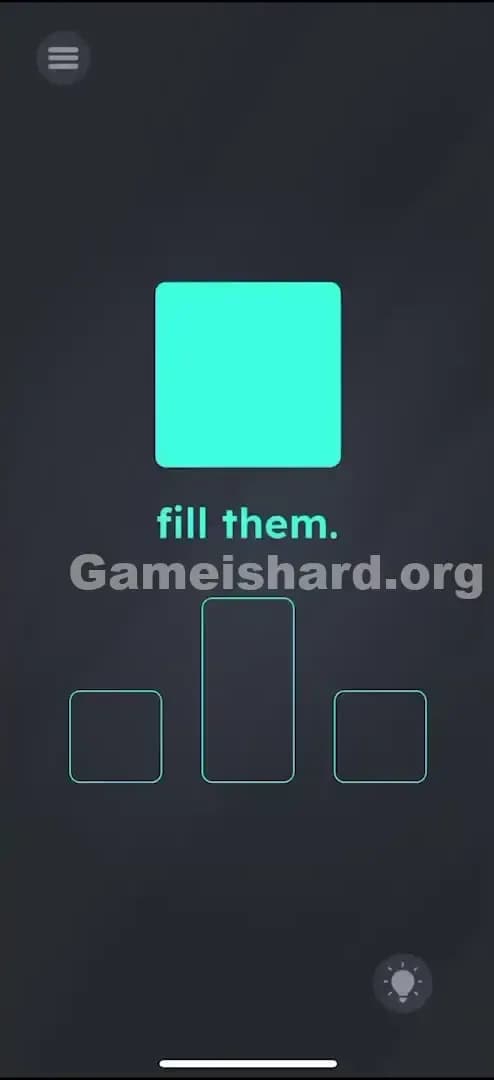
Game Is Hard Level 95
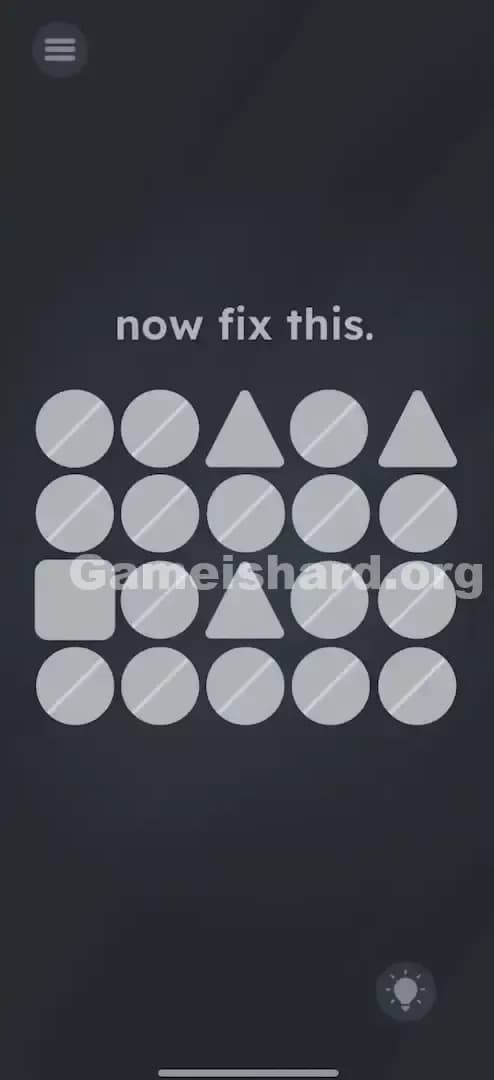
Game Is Hard Level 100
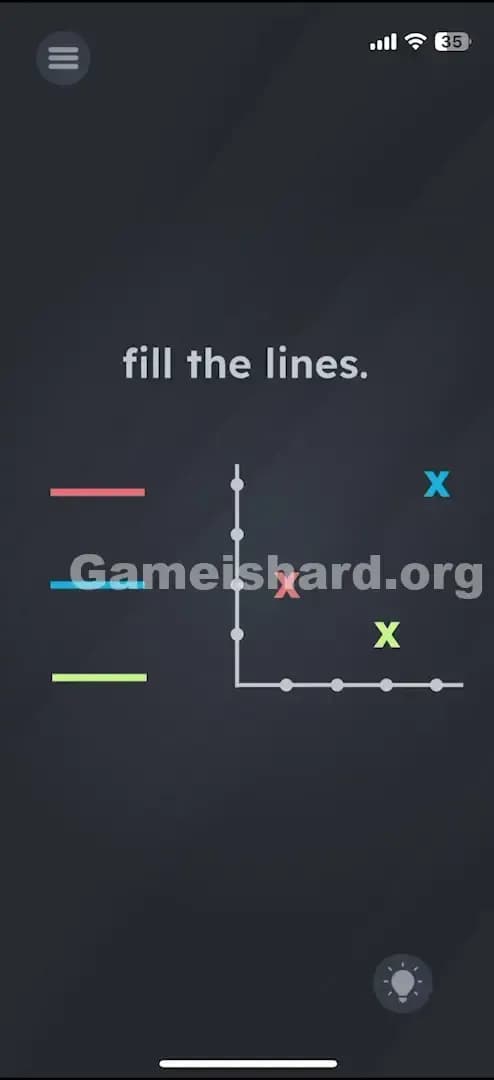
Game Is Hard Level 108
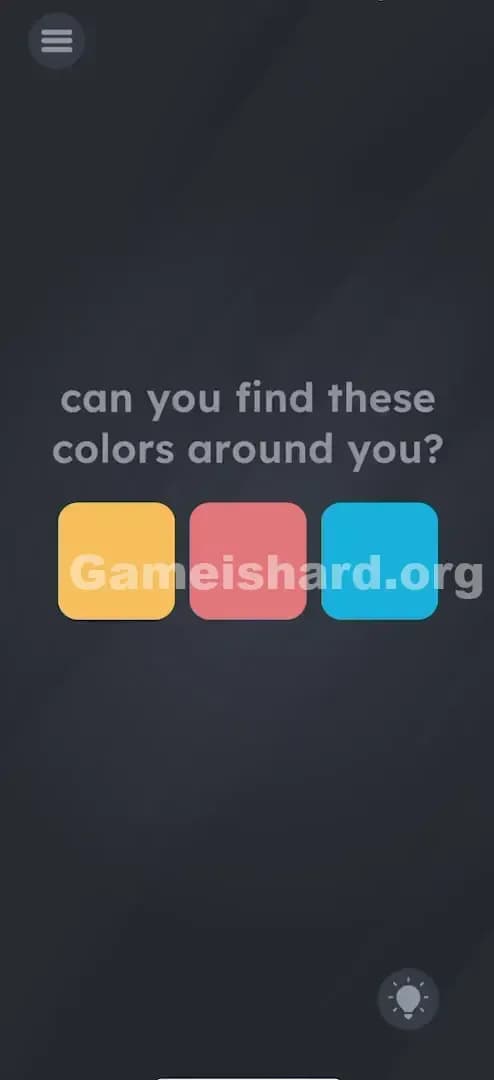
Game Is Hard Level 111

Game Is Hard Level 113
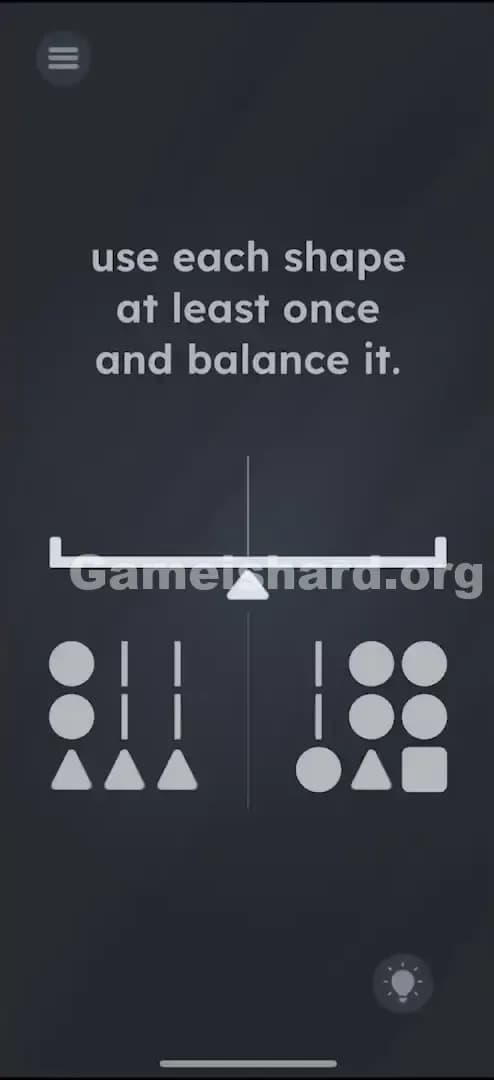
Game Is Hard Level 119
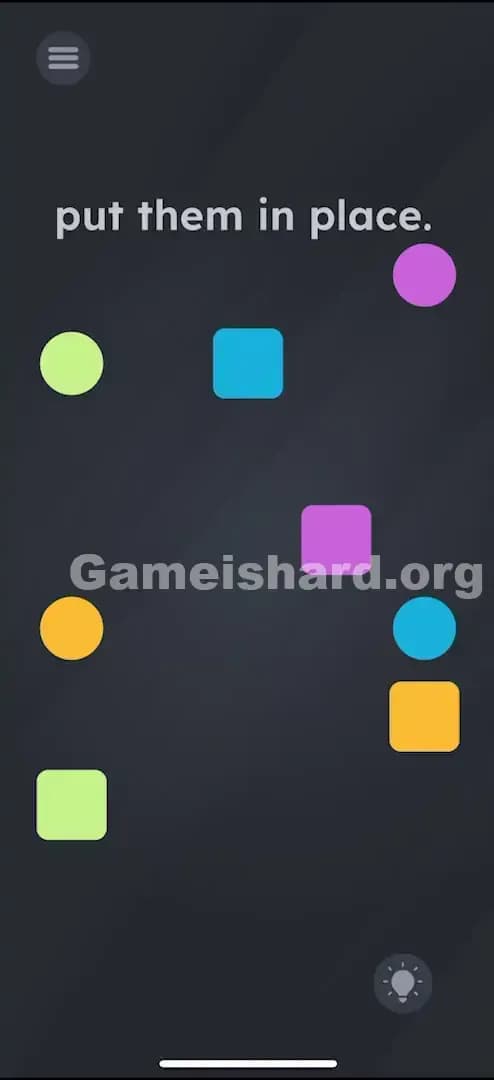
Game Is Hard Level 124
You just failed a level that looked stupidly simple. The button is right there. The text is clear. And Game is hard still laughs at you anyway. That’s Game is hard in one sentence.

What is Game is hard?
Game is hard is a mobile trivia/puzzle game where the “question” is rarely the real question. The screen might ask you to tap, drag, or choose, but the actual solution is usually an interaction the game expects you to discover by messing with your device: multi-touch, tilting, rotating, waiting, using sound, or poking at UI elements you assumed were decoration. Apple’s listing calls it a minimalist, device-exploration style puzzle game built to challenge players. It hit the App Store on August 25, 2025 (and has seen updates since).
The vibe is simple on purpose. Game is hard wants you testing, not admiring menus. Unlike some puzzle games like Meowdoku or Profile Perfect, you'll lose a live if you make a mistake, Game is hard strips away the noisy stuff and forces you to test ideas. Fast. Over and over.

How to play Game is hard (rules that actually matter)
Most “rules” in Game is hard aren’t written. Game is hard teaches by punishing shortcuts. Here’s what stays consistent:
- Assume the obvious move is bait. If the level says “tap the X,” try tapping the word “X,” not the shape.
- Touch isn’t just touch. Tap, press-and-hold, drag, two-finger drag, pinch, zoom, and multi-finger taps show up constantly in Game is hard.
- Your phone is part of the controller. Tilt, rotate, flip upside down, shake. Many levels in Game is hard are basically “use the sensor the level is hinting at.”
- Sound counts when the game asks for it. Some puzzles want the microphone. If nothing triggers, check mic permission and system volume.
- Doing nothing is sometimes the solution. Waiting is a legit mechanic in Game is hard. It feels wrong. That’s why it works.
- Failing is cheap. The game expects trial and error, so spam tests instead of staring at it.
If a level feels “broken” in Game is hard, it’s usually one of three things: you missed a hidden movable piece, your phone didn’t grant a permission, or you’re stuck in the game’s favorite trick: “the instructions are lying.”
Why Game is hard got popular
Game is hard hits the same itch as other Unico titles: quick puzzles, mean wording, and a clean screen that hides the punchline. Unico’s own App Store description leans into “unexpected interactions” and “brutally tricky levels.”
It also spreads well because Game is hard is built for reactions:
- Every level is a shareable moment. People love posting “this can’t be real” puzzles, then watching friends fail.
- The win feels earned. You didn’t grind stats. You figured out the trick.
- It’s built for short sessions. Open it, solve one, close it. Or rage-solve ten.
Who made Game is hard?
Game is hard is published by UNICO STUDIO. That’s the same studio behind the Brain Test series and a pile of other “gotcha” puzzle games.
They even mention future updates in their newsletter, including new levels coming to Game is hard.
How to beat a level fast in Game is hard
When you’re stuck, you don’t need “more intelligence.” You need a faster checklist. Use this loop and Game is hard becomes way less random. You start playing Game is hard like it’s a lab test.
- Text audit (10 seconds). Tap words. Tap numbers. Tap the level title. Drag the sentence. If it’s on screen, it might be a button in Game is hard.
- UI audit (20 seconds). Drag everything. The “background,” the “frame,” the “icon,” the “empty space.” Game is hard loves hiding solutions in “non-interactive” bits.
- Gesture audit (20 seconds). Two fingers. Three fingers. Pinch out. Pinch in. Long-press. Rapid tap. Try the same move on a different object.
- Device audit (20 seconds). Tilt left/right. Rotate 90°. Flip upside down. Shake once, then gently. Many Game is hard puzzles are solved by the correct motion, not the correct thought.
- Patience audit (10 seconds). Do nothing. Count to 10. Watch for tiny animations.
- Permission audit (30 seconds, only if needed). If a level wants sound/light/camera, confirm permissions. If it still won’t react, restart the app.
That’s it. Don’t “think harder.” Test cleaner.

Core strategies that solve most Game is hard levels
These patterns show up so often that you can almost speedrun Game is hard by hunting them first:
- Literal wording traps: Tap the word instead of the thing.
- Hidden movable UI: Level numbers, punctuation, and labels can be dragged.
- Split interactions: One finger holds something in place while the other taps a target.
- Reverse levels: The solution is “don’t do the thing the level wants.”
- Sensor tells: If the art shows wind, it wants mic. If it shows a slope, it wants tilt. If it shows weight, it wants press-and-hold.
Pro-tip (the messy one)
If you’re stuck in Game is hard, turn your brightness up and tilt the phone slightly while dragging objects around. Sounds dumb. It catches tiny shadows, outlines, and “almost invisible” edges that your eyes ignore at normal brightness. On some levels, that’s the whole trick.
Where to download Game is hard
The official iOS version of Game is hard is on the Apple App Store under UNICO STUDIO.
The Android version of Game is hard is on the Google Play.
Tips & Tricks for Game is hard
Quick stuff that saves time in Game is hard:
- Turn on auto-rotate. Some Game is hard levels expect it.
- Don’t mute everything. If a puzzle needs mic input, silent mode can make Game is hard look “bugged.”
- Try airplane mode only when a level hints at it. Otherwise you might break ads/loads in weird ways.
- If a level doesn’t register tilt: recalibrate by laying your phone flat for a second, then retry.
- If you’re stuck for more than 2 minutes: stop. Pull a walkthrough. Come back later and your brain resets.
Where to find level solution walkthroughs
Let’s be real: Game is hard is hard to search for because the title is also a sentence. That’s why you get junk results and unrelated “hard games” lists.
Use a tight format:
- Search “Game is hard level X”.
- Or skip the chaos and use GameIsHard.org.
On gameishard.org, use the search bar and type Level X (example: “Level 37”). You’ll land on the exact solution page without scrolling through videos that spoil everything.
Why walkthroughs matter (and how to use them without ruining the fun)
Game is hard Walkthroughs aren’t just “answers.” In Game is hard, they teach you the game’s habits. Game is hard repeats tricks on purpose: what kinds of lies it tells, which UI bits are usually draggable, and which levels are actually sensor puzzles in disguise. YouTube walkthroughs exist for huge level batches, which is useful when you want to brute-force progress.
Use walkthroughs like this:
- Watch/read just enough to learn the trick type.
- Back out and solve it yourself.
- Next time, spot the pattern faster.
That’s the loop. Game is hard stays fun, and you stop getting stonewalled by one annoying gimmick.
Go break the next level.